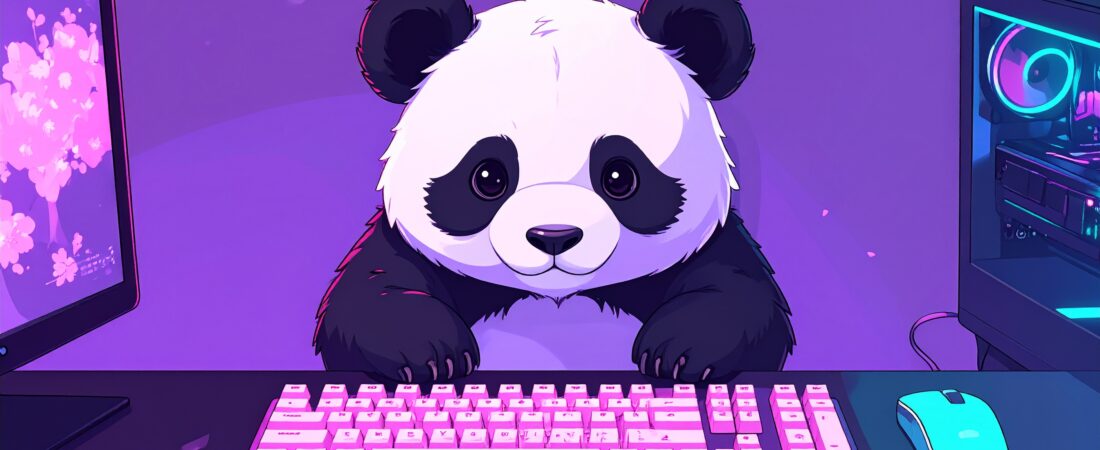
Your monitor wallpaper is perfect. A soft looping anime scene, purple tones, exactly the right vibe. Your lighting is dialled in. Then your hands land on your keyboard. Black. Generic. Completely at odds with everything else on your desk.
Your keyboard is the most touched piece of your setup. It deserves to match the energy.
Finding the right anime aesthetic gaming keyboard for your setup sounds simple. Then you’re three hours deep into a Reddit thread arguing about switch types with no idea what to buy. The options are overwhelming and most buying guides assume you want maximum performance with zero personality.
This one is different. This is for the people who want their setup to look like it belongs in an anime and feel great to game on at the same time.
What Makes an Anime Aesthetic Gaming Keyboard?
It’s not just colour. Anyone can buy a pink keyboard. The anime aesthetic is a specific combination of elements. Keycap style, case finish, sound profile, and lighting all need to pull in the same direction.
The visual markers to look for:
- Pastel or soft colourways — blush pink, lavender, cream, mint
- Translucent or frosted cases that let RGB bleed through softly
- Sakura or cherry blossom motifs on keycaps
- Clean, minimal legends (the printed characters on keys) — nothing too aggressive or gaming-coded
- Per-key RGB that can be set to soft breathing patterns rather than strobing chaos
There are two distinct flavours of anime aesthetic keyboard. Kawaii cute leans soft — pastel colours, floral keycaps, cosy energy. Anime-coded cool leans darker — deep navy, purple, or black bases with accent keycaps, cyberpunk undertones. Both are valid. Both work. Know which one matches your setup before you buy.
Mechanical keyboards dominate this space for good reason. They are endlessly customisable. Keycaps swap out in minutes. Switches can be changed without soldering on hotswap boards. The sound profile can be tuned. You’re not locked into what you bought — you can evolve the aesthetic as your taste develops.
You don’t need to spend a fortune to get this right. The keycaps do most of the aesthetic heavy lifting.
If you’re still building out your full setup, the Void Frequency AI Tools guide has recommendations for the software side of your anime aesthetic workspace.
Best Mid-Range Anime Aesthetic Keyboards ($100–$150)
Spending hours researching a purchase only to spiral into “but what if there’s a better option” paralysis is a very specific AUDHD experience. So let’s make this simple. The GMMK 3 sits at $116. Just above budget territory, firmly mid-range, and worth it over a cheaper board if you care about look and feel.
The GMMK 3 is the starting point for any anime aesthetic gaming keyboard build at this price range. It’s a full-size hotswap mechanical keyboard with a modular gasket mount system. That last part matters — gasket mounting softens the typing feel and sound compared to a rigid tray mount board. It sounds better out of the box and gets even better with keycap upgrades.
The hotswap capability is the key feature for this use case. You can swap keycaps without any tools. Buy the keyboard, live with the stock keycaps for a week, then drop a kawaii keycap set on it and the transformation is immediate. It’s a platform for customisation, not a finished product.
What to look for in any budget anime aesthetic keyboard:
- Hotswap switches — non-negotiable for future customisation
- Per-key RGB — essential for ambient lighting that matches your wallpaper
- TKL or 75% layout — removes the numpad, tightens the desk footprint, looks cleaner in setup photos
- South-facing RGB LEDs — shine through keycaps better than north-facing for a softer glow
Budget does not mean boring. The keyboard is the canvas. The keycaps are the art.
Best Keycap Sets for the Anime Aesthetic
This is where the real aesthetic lives. A $60 keyboard with the right keycap set will look better in your setup than a $200 keyboard with stock keycaps every time.
The Tsungup Cherry Blossom Keycap Set is the most on-brand option for this audience. Pink and white gradient with cherry blossom side prints, 135 keys covering full-size layouts, double-shot construction for clean legends that won’t fade. The colour profile sits in that sweet spot between kawaii and tasteful — soft enough to read as intentional aesthetic, not loud enough to clash with a dark monitor wallpaper.
Grab the Cherry Blossom Keycaps here.
Keycap profiles explained simply:
- Cherry profile — shorter, sculpted, comfortable for long sessions
- OEM profile — slightly taller, the standard on most stock keyboards
- DSA profile — flat and uniform, very clean looking in photos
Cherry profile looks most cohesive in aesthetic desk setups. DSA is the choice if you want that flat minimal look popular in lo-fi setup photography.
Double-shot vs dye-sub printing: Double-shot keycaps are made from two layers of plastic moulded together. The legends physically cannot fade because they’re part of the keycap structure. Dye-sub prints the legend into the surface — it lasts well but not as long under heavy use. For a keyboard you’re gaming on daily, double-shot is worth the small price premium.
The mix and match strategy: Start with a neutral base keyboard in white, cream, or black. Add a statement keycap set in your accent colour. This approach gives you flexibility — you can swap the keycaps again later without replacing the whole keyboard. Your aesthetic can evolve without starting over.
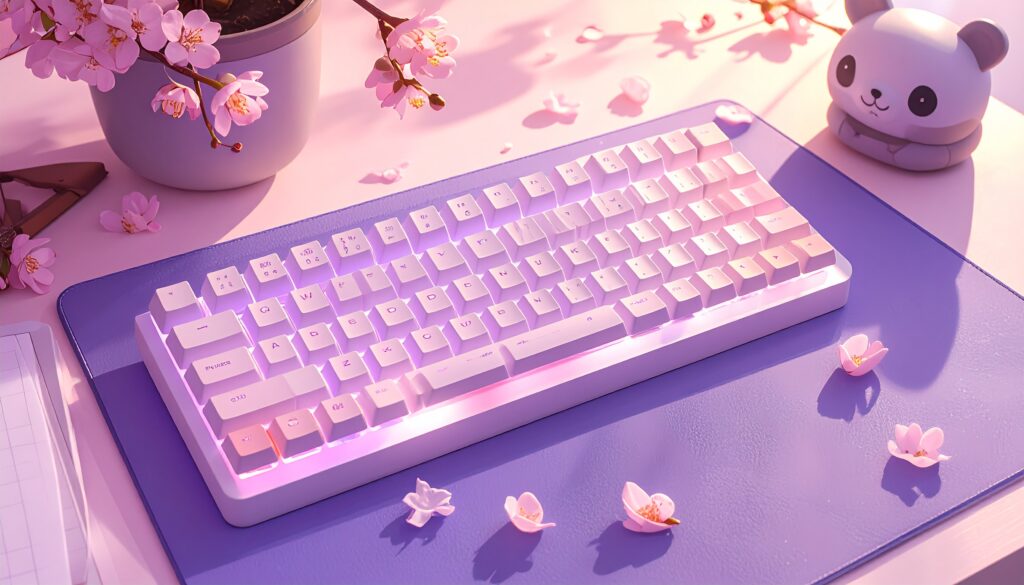
Keyboard Sounds and the Lo-Fi Aesthetic
Keyboard sound has become part of anime culture in a way that nobody fully predicted. Lo-fi study streams, anime-themed ASMR, cosy gaming content — all of them feature keyboard sounds as part of the atmosphere. The right keyboard doesn’t just look the part. It sounds it too.
Switch types and their sound profiles:
Linear switches — smooth keystroke, no bump, quieter. Good for gaming. Sound profile: soft and consistent. Think late night gaming session, don’t want to wake anyone up.
Tactile switches — physical bump at the actuation point, moderate sound. Sound profile: satisfying without being aggressive. The sweet spot for the lo-fi aesthetic.
Clicky switches — audible click plus tactile bump. Loud. Divisive. Sound profile: classic typewriter energy. Not for shared spaces.
For the anime lo-fi aesthetic, tactile switches hit the right note. Present enough to be satisfying, soft enough to match the cosy energy of a lo-fi playlist.
Foam modding is worth knowing about even at the budget level. It involves placing a thin layer of foam inside the keyboard case to dampen the hollow sound that cheaper keyboards produce. It costs almost nothing, takes fifteen minutes, and makes any keyboard sound noticeably more premium. Search “foam mod keyboard” on YouTube — there are tutorials for almost every popular board including the GMMK 3.
The connection between keyboard sound and the lo-fi anime aesthetic is real. Your setup is a sensory environment. Sound is part of it.
Building Your Full Anime Aesthetic Gaming Setup Around the Keyboard
The keyboard is the anchor. Everything else responds to it.
Desk mat: A keyboard without a desk mat is a missed opportunity. The Panda Large Mouse Pad at 31.5 x 11.8 inches covers your full keyboard and mouse zone. Dark base, clean design, non-slip rubber backing. It grounds the whole setup and gives your kawaii keyboard somewhere worthy to sit. Grab it here.
Mouse: The SteelSeries Aerox 5 Wireless keeps the gaming performance high without disrupting the aesthetic. Ultra-lightweight at 74g, honeycomb shell design, and a profile that sits cleanly alongside a kawaii keyboard without clashing. Grab it here.
Lighting: Set your keyboard RGB to a soft breathing pattern in your accent colour — lavender or soft pink if you went cherry blossom keycaps, deep purple if you went darker. Add bias lighting behind your monitor in the same colour family. The keyboard and the ambient lighting should feel like the same palette, not two separate decisions.
Wallpaper cohesion: Match your desktop wallpaper colour temperature to your keycap colourway. Warm pink keycaps pair with warm-toned anime wallpapers. Cool lavender keycaps pair with cool-toned night scenes. Small detail, noticeable difference.
Cable: A coiled USB cable in a matching colour turns your keyboard cable from an eyesore into a design element. Search “coiled keyboard cable pastel” on Amazon — they’re inexpensive and the aesthetic payoff is significant.
And if you want to bring the anime energy off the desk and onto the walls — kawaii panda art prints from Void-Panda on Redbubble are designed for exactly this kind of setup. The aesthetic doesn’t have to stop at the desk edge. 🐼
[INTERNAL LINK — Kawaii Desk Setup post goes here when live]
FAQ
Do I need a mechanical keyboard for an anime aesthetic setup? No — but mechanical keyboards make the aesthetic significantly easier to achieve. Membrane keyboards have fixed keycaps that can’t be swapped. With a mechanical hotswap board you can transform the look in minutes by changing the keycap set. If budget is genuinely tight, a membrane keyboard with a good desk mat and lighting still reads as intentional. Mechanical just gives you more to work with.
What’s the best keycap set for a beginner anime aesthetic setup? The Cherry Blossom set linked above is the lowest-friction starting point. It’s a full 135-key set so compatibility isn’t an issue. The colour profile works with light and dark cases. Double-shot construction means the legends hold up under daily use. If pink isn’t your palette, search “lavender keycap set” or “white and purple keycap set” on Amazon for cooler-toned alternatives.
Can I build an anime aesthetic keyboard setup on a budget? Yes. Building an anime aesthetic gaming keyboard setup with the GMMK 3, Cherry Blossom keycaps, and Panda desk mat comes in around $200 total. That covers the three elements that do the most aesthetic work. Add the SteelSeries mouse when budget allows. Build it in stages rather than all at once.
The Signal
Your keyboard is the most touched piece of your setup. It should feel like yours.
The formula for the perfect anime aesthetic gaming keyboard is straightforward. A hotswap mechanical board as your base. A kawaii keycap set as your statement. A desk mat that ties everything together. RGB set to match your wallpaper palette. The result is a setup that looks intentional because it is.
Every product mentioned in this post lives on the Shop My Setup page if you want everything in one place.
Start with the keyboard. The rest follows. 🐼
Panda.exe | Void Frequency